

Design Assets - May '26
This month, alongside a conversation with Will, we explored design across generative tools, insights from a Figma event, closer collaboration with developers and new interaction patterns.
Inspiration of the month 💡
Friends of Figma London: judgement as critical design skill
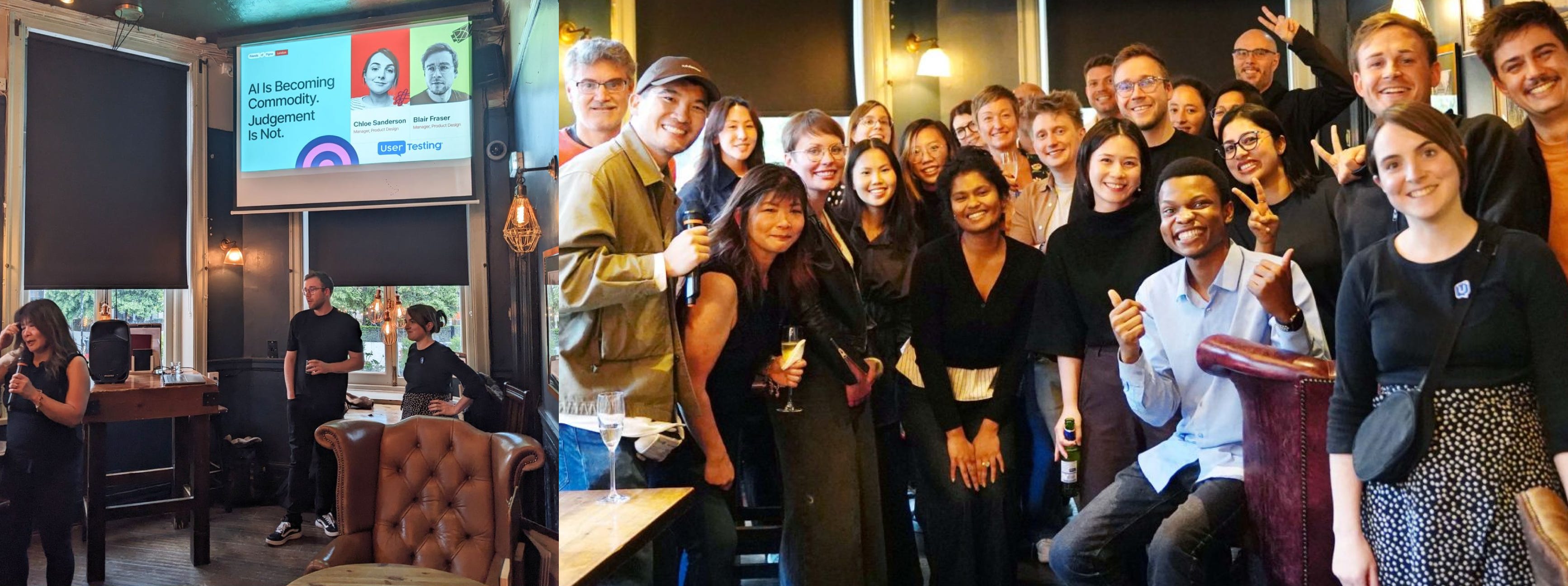
This month we attended the Friends of Figma event in London: AI is becoming a commodity — judgement is not hosted by UserTesting.
The talk by Chloe Sanderson and Blair Fraser explored a central question:
If anyone can generate 50 ideas in 5 minutes what makes you valuable?
To survive, we must focus on building a robust “judgement loop” that keeps human insight central to everything we ship.
The discussion reframed current AI anxiety in a practical way rather than a defensive one.
1. The tools stop being the advantage
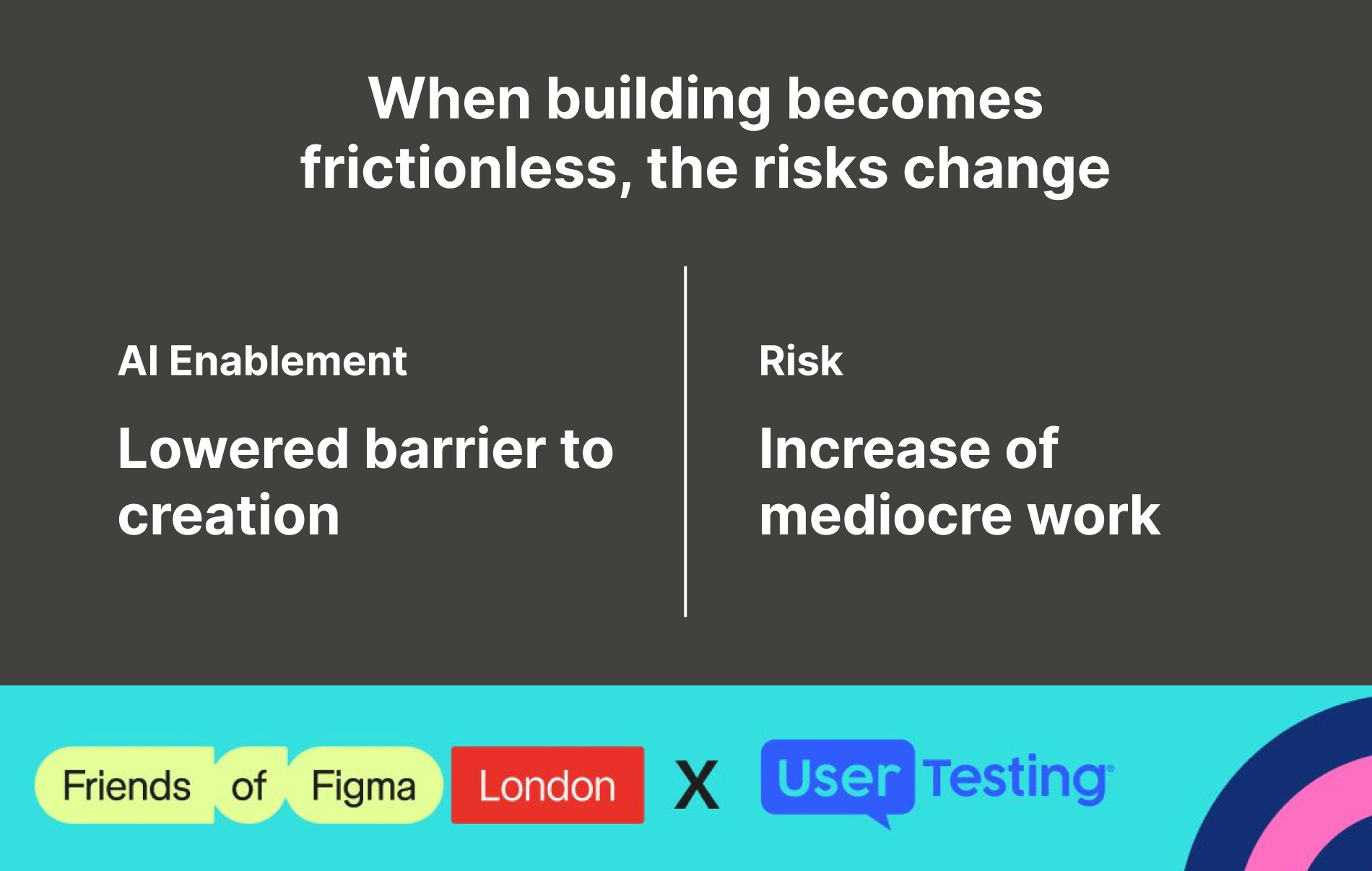
AI accelerates the messy middle of creation, but cannot replace the intuition needed to choose the right problem or solution. As output becomes cheap and abundant, the real challenge shifts to achieving clarity and strong problem framing in a world of infinite options.
1. Speed without direction is chaos
One of the most striking slides reminded us that raw speed is useless if you’re sprinting in the wrong direction. If your foundational strategy is flawed, AI will simply help you build the wrong thing at record speed, amplifying cognitive bias
3. Craft becomes the differentiator
As noted in Dylan Field’s framing, when AI lowers the cost of producing interfaces, design craft and judgement become more valuable, not less. Mediocre execution becomes easier to produce—but also easier to identify.
The speakers concluded mentioning a powerful quote from Dylan Field (CEO of Figma) that perfectly synthesizes the future of our industry:
Design is more important than ever. In a world where AI can output fully-functioning interfaces from a simple prompt, craft is what differentiates great products from obvious solutions.
This shift shouldn’t make us feel in danger; instead, it simply means there are fewer excuses for mediocre work. When the floor is raised for everyone, those who have built a true, deep craft have more space to shine, not less.
Spotlight of the month 🔦
Gen AI workflow for imagery
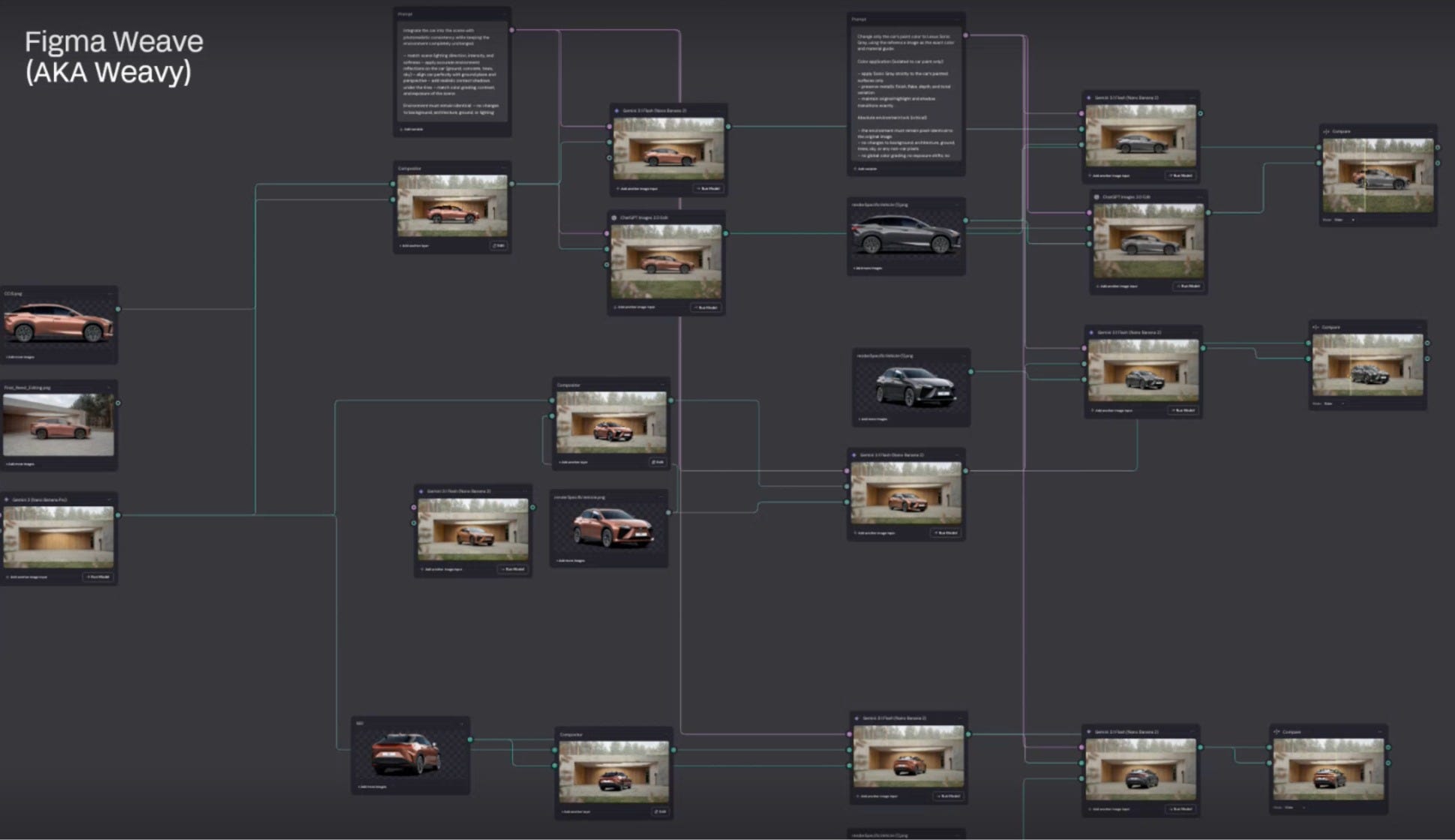
This month, George Alborn and Andy Crilly shared a deep dive into how their team rethought the end-to-end imagery production workflow for one of our clients in the automotive industry, moving from traditional, slow asset creation pipelines to a more flexible and controllable generative system powered by Figma Weave.
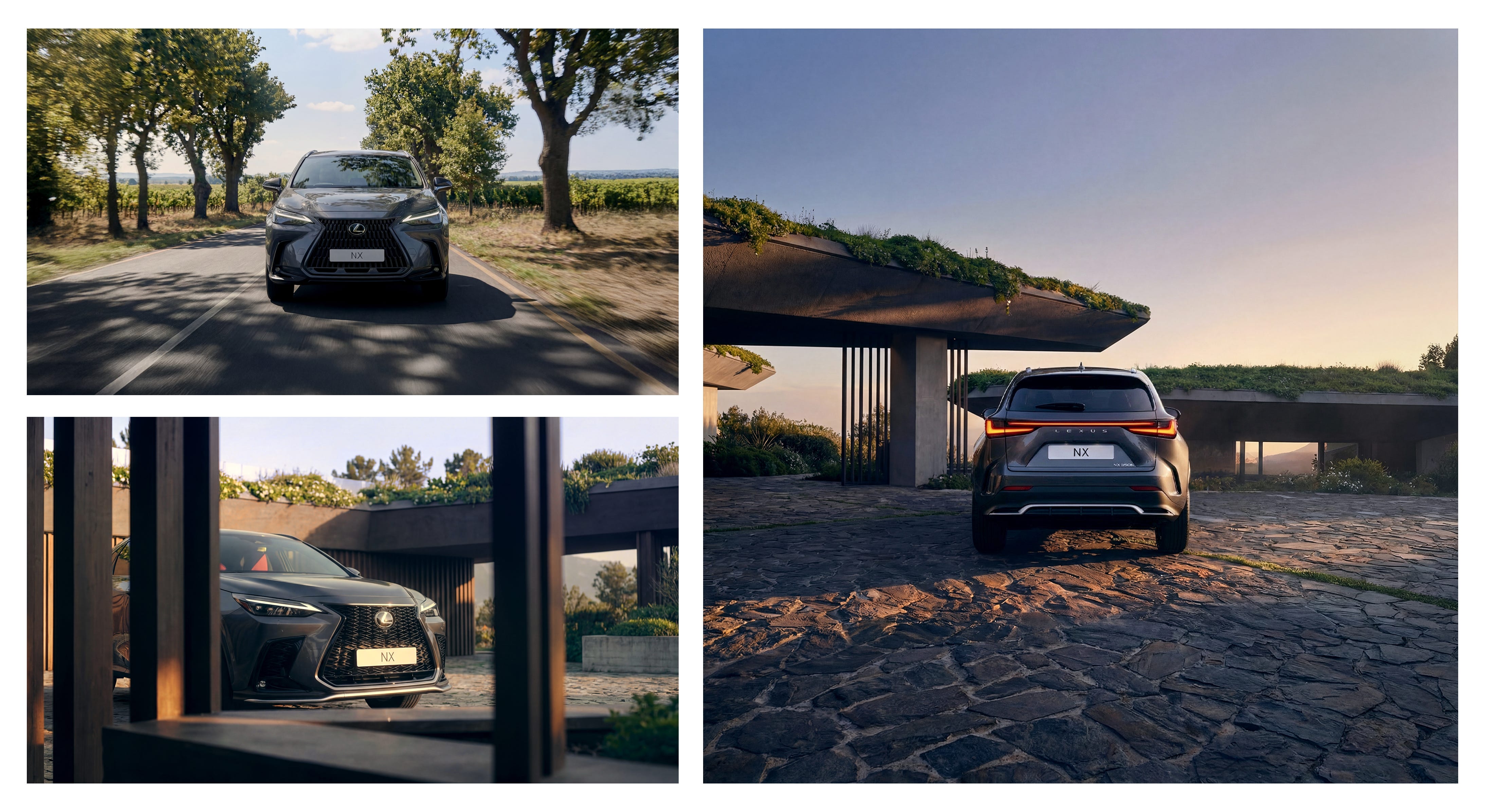
The starting point was a structural problem that had existed for years: website imagery was not designed for digital-first use. Assets were typically created for broader marketing purposes, leading to issues such as awkward cropping, inconsistent art direction, and high production costs when adapting them for interactive product experiences online.
Digital-first assets
Previously, the workflow relied on external render-on-demand production. Designers would define layouts and page structures, then brief agencies to produce high-quality visuals. While the output was strong, the process was slow, expensive, and often required multiple rounds of refinement to meet digital requirements.
Gen AI created an opportunity to rethink this entirely. The team built a workflow that moves beyond simple prompting and instead structures image generation through brand references, camera angles, environments, and compositional rules.
A key outcome of this approach was the ability to generate functional assets at scale, not just standalone visuals. These were designed directly for UI components such as model comparison tools and colour pickers, where consistency across multiple variants is essential.
The workflow is layered:
AI generation in Weave for rapid exploration and directional output
Refinement in Photoshop for precision adjustments
Validation with product teams using annotated references to ensure accuracy against real-world models and brand standards
One of the most significant outcomes was speed and cost efficiency. The team reported significantly faster turnaround times and reduced production costs compared to traditional workflows, while maintaining or improving visual quality in a digital context.
Where this is heading
The process also reinforced the importance of human oversight and collaboration: Close coordination with product and brand teams was essential to ensure outputs remained accurate and on-brand. Even with advanced tools, validation loops and domain expertise were critical for catching subtle errors that could undermine trust or brand integrity.
As the technology continues to mature, we’re exploring new ways to personalise and localise image and video assets, helping drive even greater impact across the client’s global content platform.
The key takeaway from this work is not just efficiency gains, but a broader shift in how design production systems are built: moving from static asset pipelines to adaptive, tool-driven systems where design, engineering, and AI converge.
Practice session 💬
Designing closer to the medium
It’s rare for us to invite a developer into one of our design rituals. These sessions have always been a space for designers, by designers — so when we do open the door, it signals that something has shifted.
For years, closing the design-dev gap meant writing spec sheets, building regular cadences with developers, and communicating better. Now, it increasingly means designers being able to build directly inside the medium we design for.
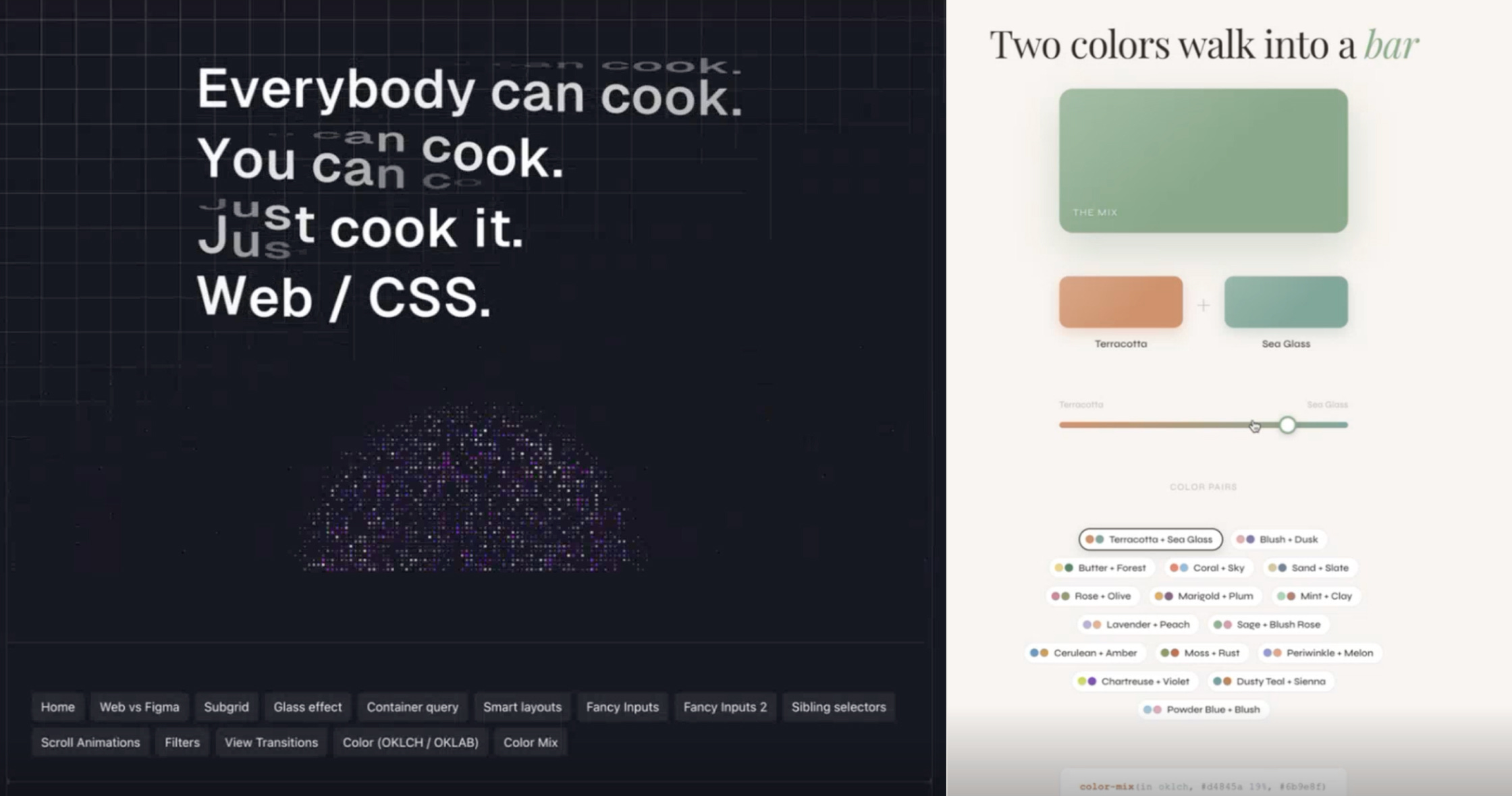
The web is bigger than your Figma file
Radu, the developer we’d welcomed, came with demos in hand.
Container queries, where a component rearranges itself based on the space available to it, not the viewport. No breakpoints, no special settings, it just adapts.
View transitions, where navigating between separate pages feels seamless.
Smart layouts, where the number of items in a grid changes how each item presents itself.
And this is just to name a few.
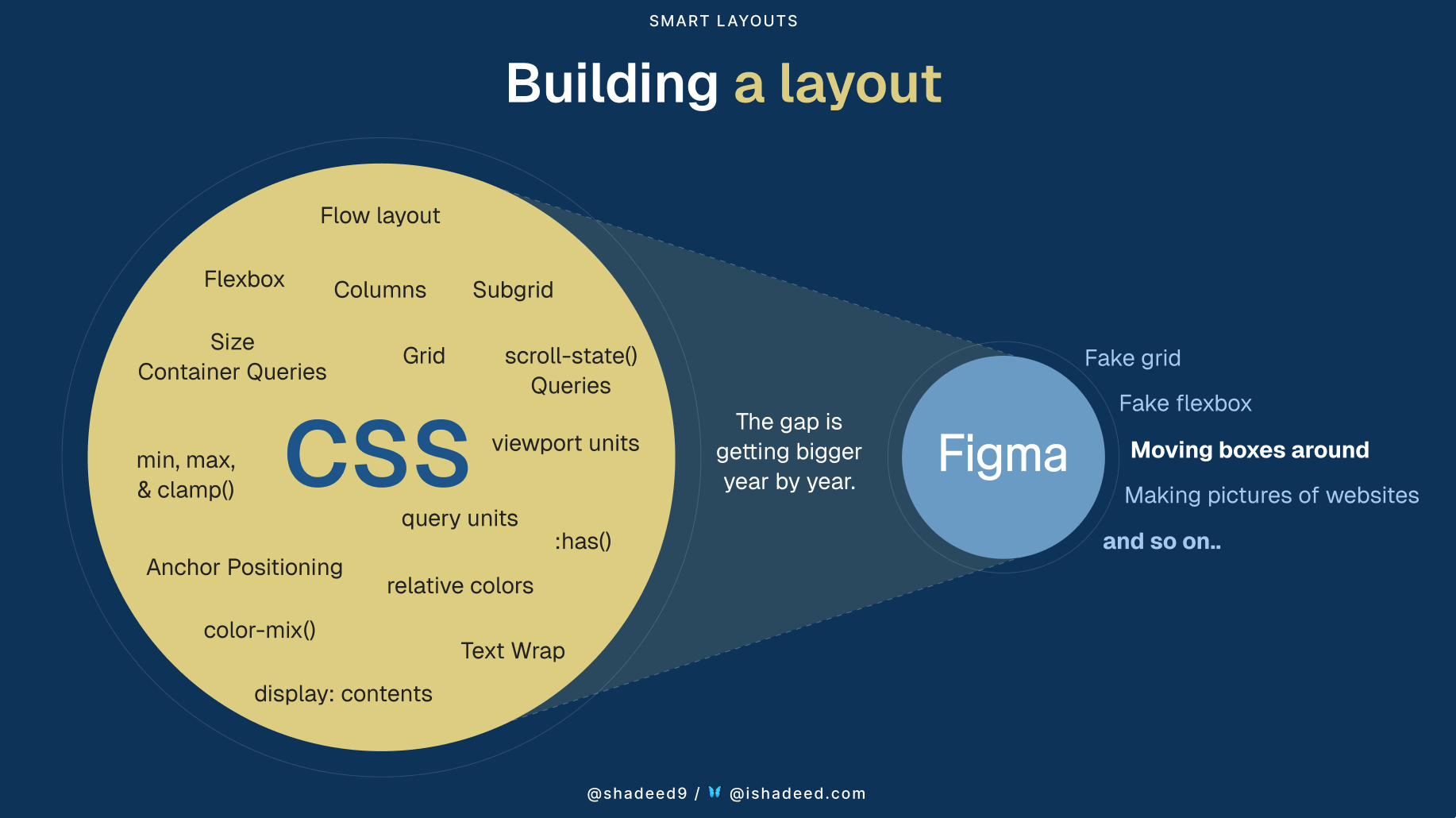
What’s key is that none of this shows up in Figma unless you’re explicitly designing for it. That’s not a criticism of Figma; it’s just one of the limitations of working inside a design tool rather than the browser itself.
The gap between what Figma can represent and what the web can do is wide, and it seems to be only getting wider. If you aren’t aware of what’s possible on the web, you end up designing within constraints that don’t actually exist.
Those constraints leave decisions unresolved. sometimes because the behaviour isn’t visible in a static design. Sometimes because, even when it is visible, a static design still isn’t the best way to explore or document it.
Static designs don’t always push us to ask “What happens when the data is slow?”, “What if there are nine items instead of eight?” or “What happens between states, not just at either end of them?”.
When those questions aren’t answered by a designer, they become decisions for a developer to make later on.
That’s what AI is changing: Tools like Cursor let designers step into the medium they design for and encounter those decisions in real time, not weeks later when something looks different in build.
Foundations are the differentiator
AI has made code more accessible to designers — that’s clear. But Radu’s stance went further: AI has also made foundational coding knowledge more valuable.
A designer pushed back on this:
If tools like Cursor exist, isn’t it more about describing your intent well? Getting better at prompting rather than learning CSS?
Radu’s response stuck with us. You don’t need to be a specialist, but you’ll struggle to ask the tool for the right thing unless you understand the fundamentals.
If you don’t know what container queries are, you’ll never ask for them. If you don’t know what CSS grid can do, you’ll accept a layout built with absolute positioning. And it’ll break the moment the content changes. Without foundations, you can prompt for anything. But you can’t tell whether what you got back is good or not.
There’s a commercial angle to it, too. Prompting has a cost — not just in tokens, but in time, iteration, and confidence Two designers can arrive at the same final output, but what matters is how long it took, how many prompts it took and how much heavy lifting those prompts had to do.
Someone who knows the foundations can get from point A to point B faster. Not because they’re writing code instead of prompting, but because they’re prompting with precision.
Communication is still the hard part
Communication is still at the heart of every design-dev relationship. It was the main friction point years ago, and it’s still the main friction point now. AI hasn’t, and won’t, change that.
What has changed, though, is that designers who understand the medium they design for have better ways to show up to the conversation.
Design-dev collaboration shouldn’t be formalised into a single, fixed output. What matters most is shared understanding: talking about the same things with the same words, throughout the process.
When a designer knows what a button’s states are called in code, can describe what happens when the data hasn’t loaded, or they can send a Slack message like:
Hey, I’ve been playing around and for tooltips I’m thinking something like
transition: opacity 0.2s ease-out, transform 0.2s ease-out;
That shared vocabulary does more than any handover document could.
AI won’t fix collaboration if shared understanding isn’t there. But stepping into the medium, even just enough to speak the basic language, gives designers a faster route to building it.
Where this leaves us
Product designers won’t replace engineers, and engineers won’t replace product designers. But AI has made it easier for designers to understand the medium we design for, and we should leverage that.
The real payoff isn’t in the artefacts we can create with more ease. It’s in the conversations that becoming easier along the way: the moments where designers and developers can talk about the same things, with the same words, much earlier on in the process.
We brought a developer into our space because the boundaries between our disciplines are shifting. That shift makes the two disciplines, and what’s possible between them, far more exciting.

Thread of the month 🔗
Reimagining the mouse pointer for the AI era
An interesting link shared by Pete Jobes this month explored how we can move away from prompt-based interaction towards something more direct, using the cursor and natural language together.
Google DeepMind’s AI Pointer is an experiment that reimagines the mouse cursor as an AI-aware interface layer. Instead of stopping to open a chatbot and write prompts, users could simply point at something on screen and say things like “fix this”, “compare these”, or “move that here.”
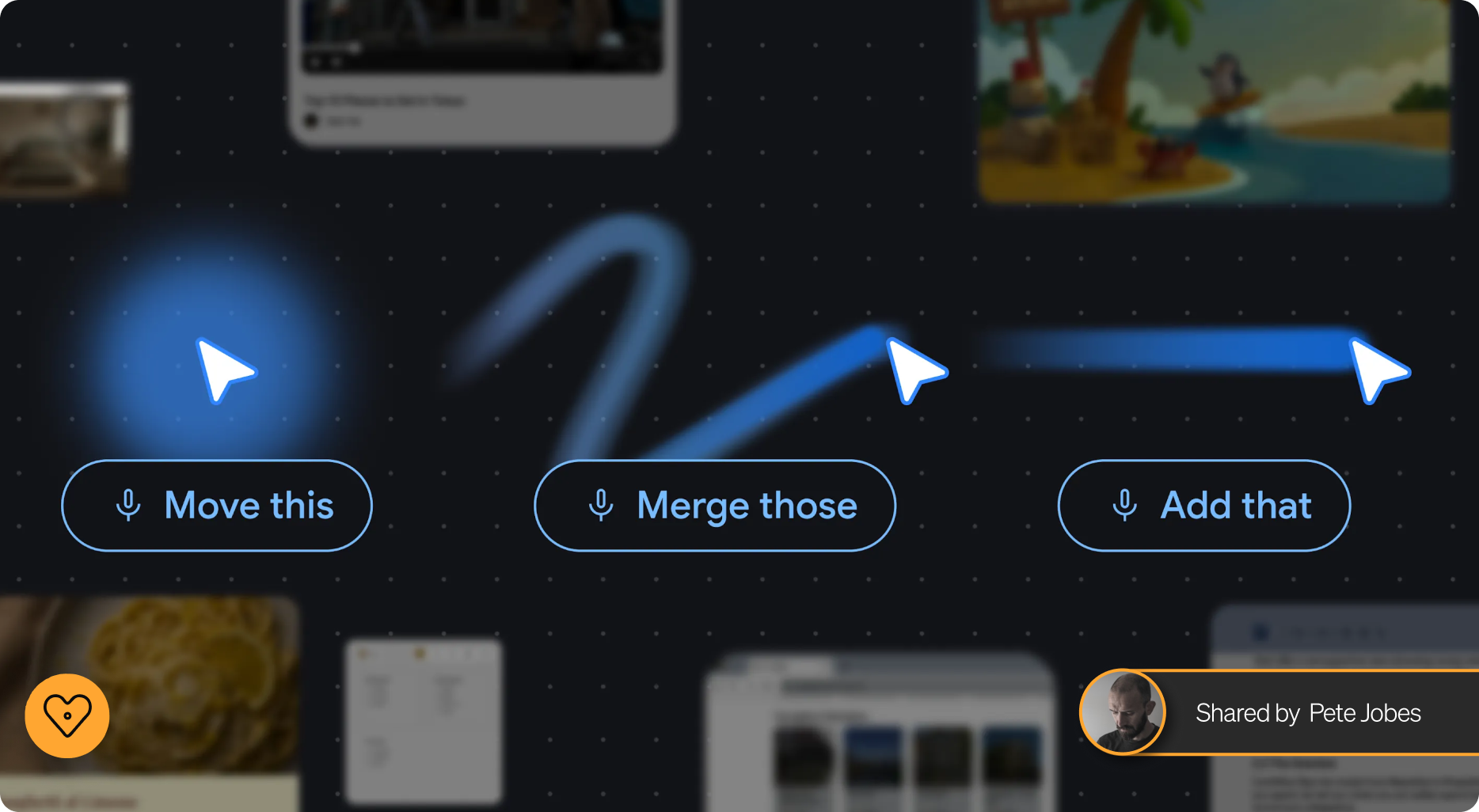
Rather than learning how to “talk to AI”, the interface starts adapting to more natural human behaviour: pointing, gesturing, highlighting, and using shorthand language.
Prompt-based systems often rely on users already knowing what to ask, whereas interaction patterns like pointing, selecting, or highlighting feel closer to existing human behaviours. In that sense, concepts like this can represent both a potential accessibility gain and a workflow improvement, but they also raise new design questions:
Do these interactions genuinely reduce friction, or simply relocate complexity elsewhere?
Should we be concerned about privacy, discoverability, and whether highly contextual AI systems risk becoming overly intrusive?
This tension highlights an important trade-off: while AI-driven interaction may feel more natural in some contexts, it does not automatically make workflows faster or more efficient.
The challenge is not replacing existing UI patterns, but understanding when AI-mediated interaction genuinely adds value versus when it introduces unnecessary friction.
Meet the Makers 08 🛠️
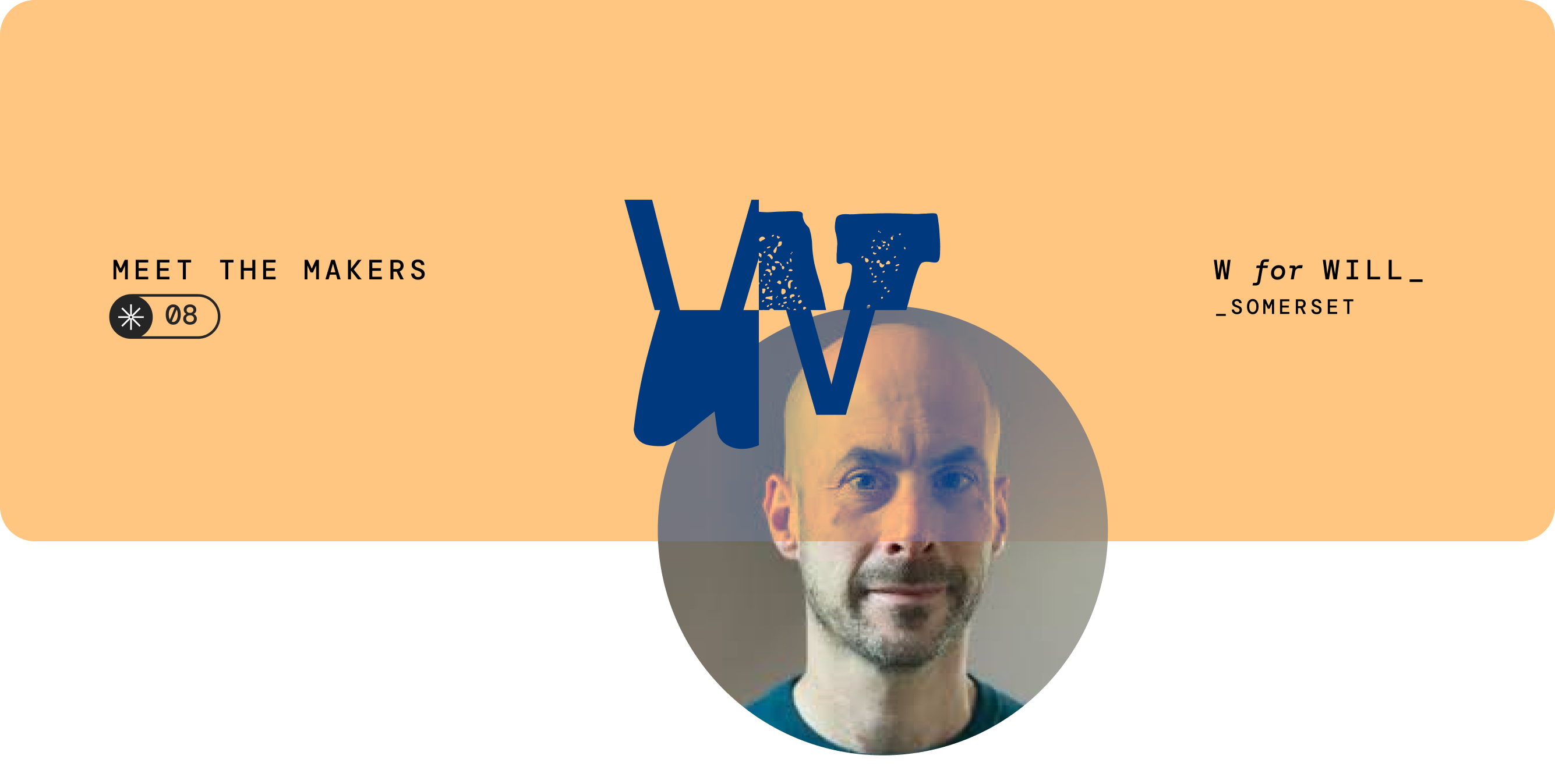
Meet Will
This month we spoke with Will Scott, the first UX researcher featured in our Meet the Maker series since we started the format, bringing a fresh perspective shaped by structured thinking.
Design origin story 🎨
How did you get into design, and what drew you to it?
I studied social sciences at university, but got drawn into learning about usability soon after. I side-quested into running an insight company before moving ‘back’ into UX over a decade ago. The draw was always curiosity about how design decisions get made and, to be honest, design’s slightly subversive role in corporate life - we get to ask whether the thing being built should exist at all. Design is, or can be, a very democratic process, and that’s always really appealed to me.
Favourite project 🌟
What’s a project you’re most proud of, and why?
I don’t know about pride, but it feels like a triumph whenever the user needs defined in a discovery are still shaping conversations by the time a concept makes its way through the machine, whether that’s redesigning how social workers triage concerns about children, providing health advice or building a new mortgage application journey.
Inspiration source 💡
Who or what inspires your creativity?
Eavesdropping when a stranger is having a moan about their job. All the artists who exhibit in my local town. Leaving the house so infrequently that even a trip to the local light-industrial estate feels like a window into a strange and fabulous world.
Design kitchen 🧑🍳
What’s currently cooking in your design kitchen? What new skill, tool or approach are you using?
Code has completely sparked the hobbyist builder in me. But from a research perspective, I’m trying to understand if we could use LLM tools as a collaboration partner, not just by ourselves. Should a survey respond to participants? What shape could that take? And what if we used an LLM as a third party in research sessions... would that elicit different responses? No clear answers yet, but fun chin-stroking investigations.
Outside the studio 🌿
What do you do when you’re not designing?
I’m a middle-aged man with children, it’s mostly chores and being a taxi driver. But in the spare moments - still trying to keep foot independence on the drumkit. Growing things from seed. Bandcamp rabbit holes. Gym things. And ten minutes drawing a day, at a minimum.
Advice corner 💬
What would you tell someone just starting in design?
I'd rather hear what they can tell me. At the start of any project as a researcher, you can wield your not-knowing to great effect. It’s the same for new designers: people just starting out will notice things the rest of us have stopped seeing, and that's more useful than anything I could pass on. So, I guess what I’d say is: don’t be afraid to ask questions, and call out things you notice even if you think they’re obvious.